
General Managers
What is the average order value across the business, and how has it moved?
Which sales channels are driving the most revenue this month?
Ask questions about your winery data, from order activity to vinSIGHT churn insights, without digging through reports, exporting spreadsheets, or waiting for someone else to pull the numbers.
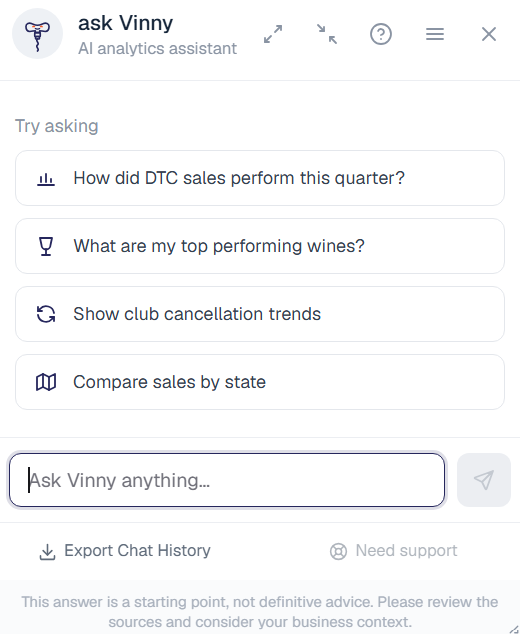
Ask questions about club, tasting room, ecommerce, order, product, customer, and vinSIGHT data, then review the business context before you act.
Use it to check performance, spot issues, understand customer behavior, explore vinSIGHT insights, and save time on the questions your winery team asks every week.
vinSIGHT helps wineries identify member churn risk, revenue at risk, and customer behavior patterns.
Ask Vinny makes those insights easier to explore. Instead of stopping at a dashboard, your team can ask follow-up questions, understand what is changing, and prioritize action before the next club run.
Identify members who may be likely to cancel.
Understand which customer segments may need attention.
Ask which members your team should prioritize next.
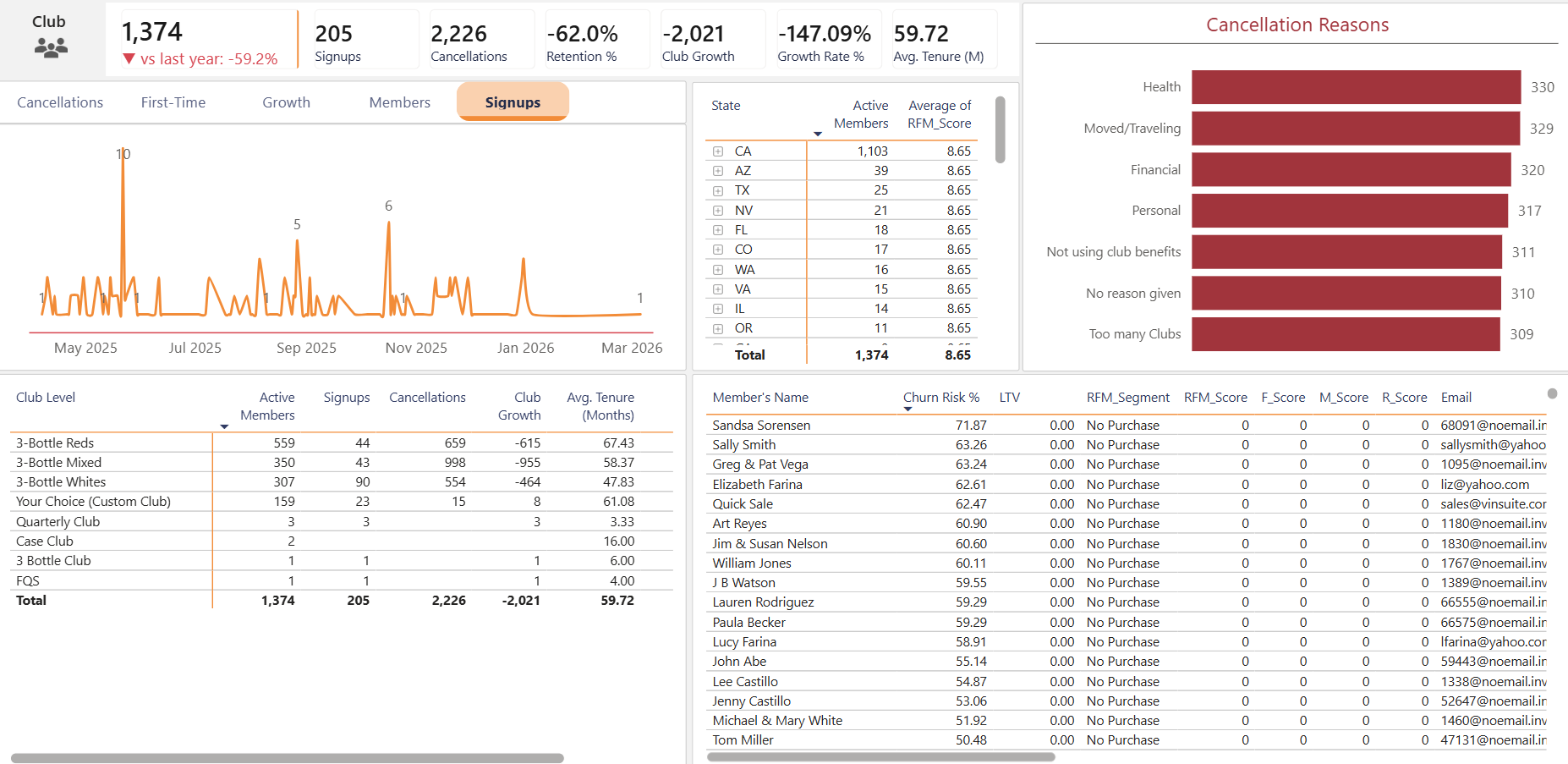
vinSIGHT helps surface club member risk. Ask Vinny helps your team ask why, identify who needs attention, and move faster before churn becomes lost revenue.
Start with the questions that come up in the back office, on the floor, during club runs, and inside daily DTC operations.
What is the average order value across the business, and how has it moved?
Which sales channels are driving the most revenue this month?
Which club members are most at risk of cancelling?
What are the most common reasons members gave for cancelling in the last 90 days?
Which members have not ordered outside their shipments in the last year? Include their email and phone.
What revenue is currently at risk from high-risk members?
Which customers should my team prioritize before the next club run?
Which associates convert the most club signups?
Which guests purchased during their visit but have not joined the club?
How many orders are unshipped or still in progress right now?
What are my best-selling products online, and which are slow movers?
Which members have reduced their purchasing activity over the last year?
Which high-value customers have not ordered recently?
Ask Vinny is designed for practical winery workflows, not generic dashboards or one-size-fits-all reports.
Ask Vinny is available now in the vinSUITE admin panel for customers with vinSIGHT access.
Log in to your vinSUITE admin panel.
Look for Ask Vinny in the admin experience.
If you do not see it, contact vinSUITE Support to confirm access.
Ask Vinny is included for vinSUITE customers with vinSIGHT access.
There is no separate add-on fee for eligible customers. Your team can use Ask Vinny to ask questions about winery data, review answers, and move faster on everyday decisions.
If you do not see Ask Vinny and believe your team should have access, please reach out to vinSUITE Support.
vinSUITE brings ecommerce, POS, wine club, order management, customer data, analytics, and payments together in one system built for winery DTC teams.
Book a demo to see how Ask Vinny and vinSIGHT help winery teams protect club revenue, understand customer behavior, and get answers faster.
See how Ask Vinny works with vinSIGHT and the full vinSUITE platform.