
Allocation Wish Lists Report
1. Navigate to Allocations in the left navigation of vinSUITE
2. Click on Allocation Reports to expand selection
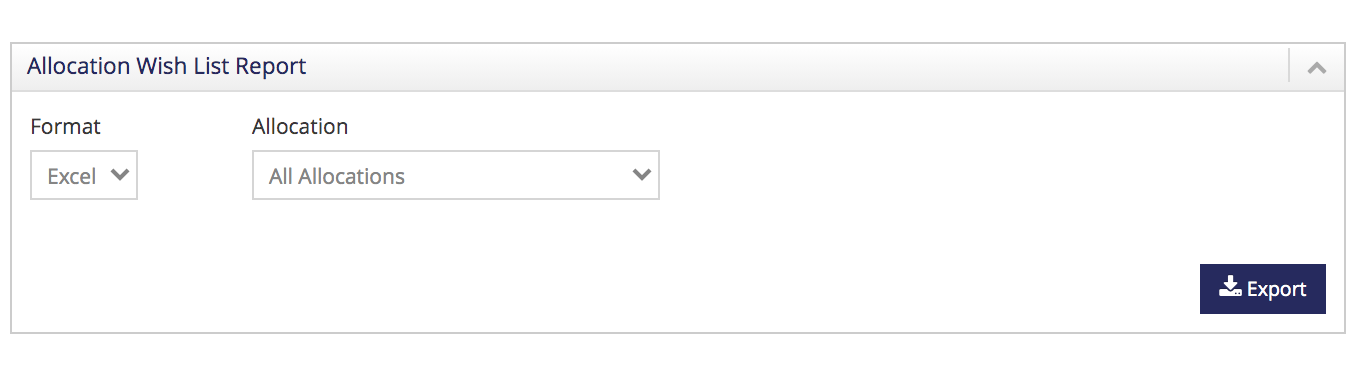
3. Choose Allocation Wish Lists:
-
Format: Excel
-
Choose which Allocation
-
Export