Display Options For Non-Wine Products On Website
Show your non-wine product options and choices using one of the following methods. Please note: some website styling may be necessary after you have set up your options. Contact support@vinsuite.com for help.
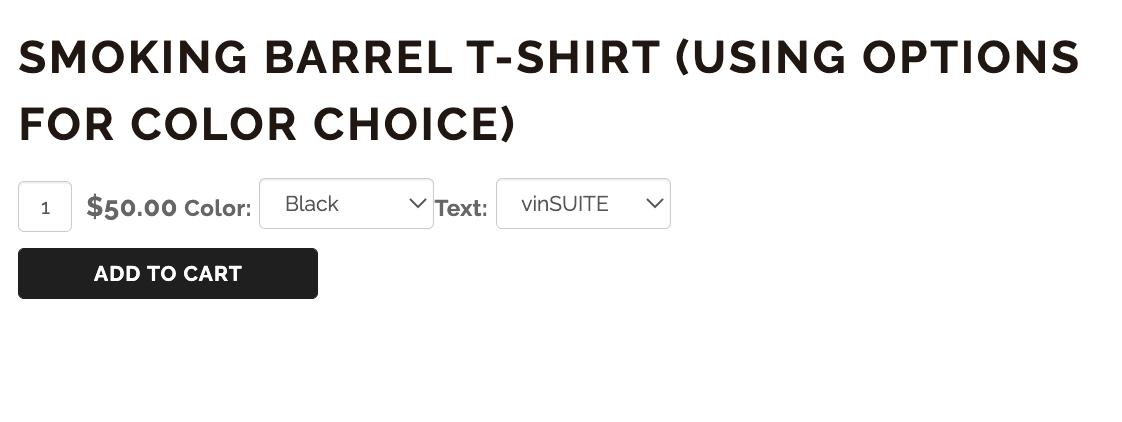
1. Dropdown option to offer color or size options using the same SKU:
- vinSUITE admin: edit non-wine product
- navigate to Specs and Options
- click Add Option >> add title and display order >> this should be the type of option (i.e. color) >> Save
- click circle to edit options >> i.e. black, white, gray >> Save
- eWinery admin: edit non-wine product
- navigate to Options tab
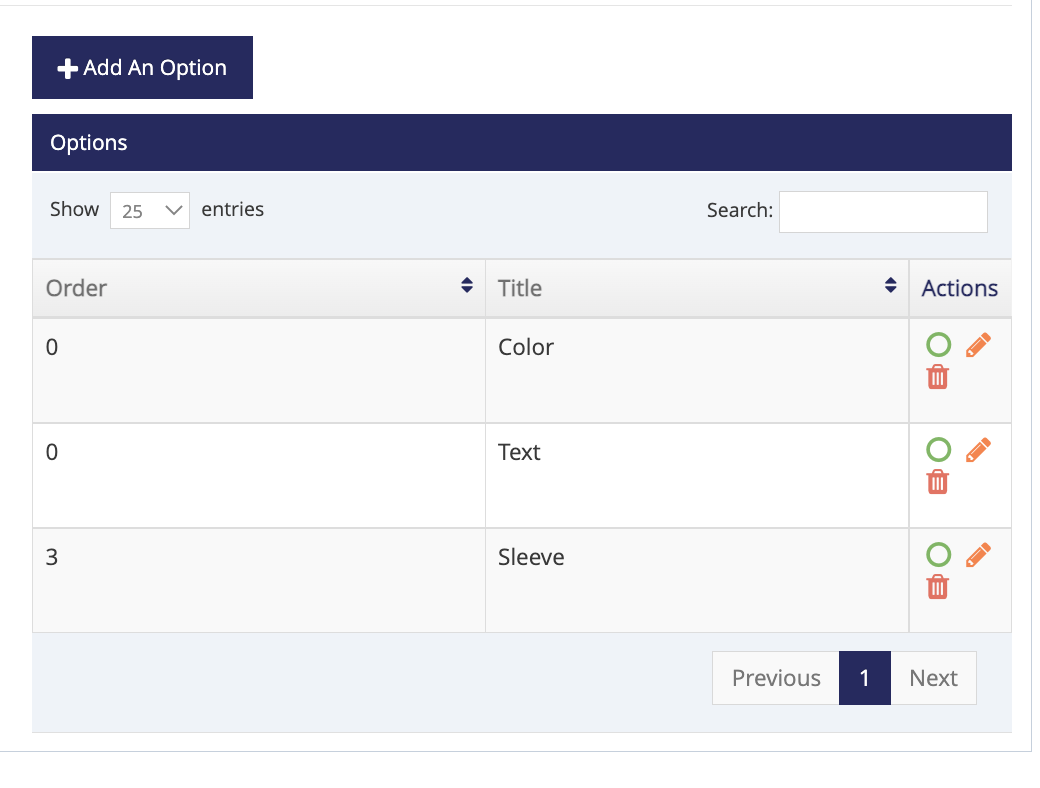
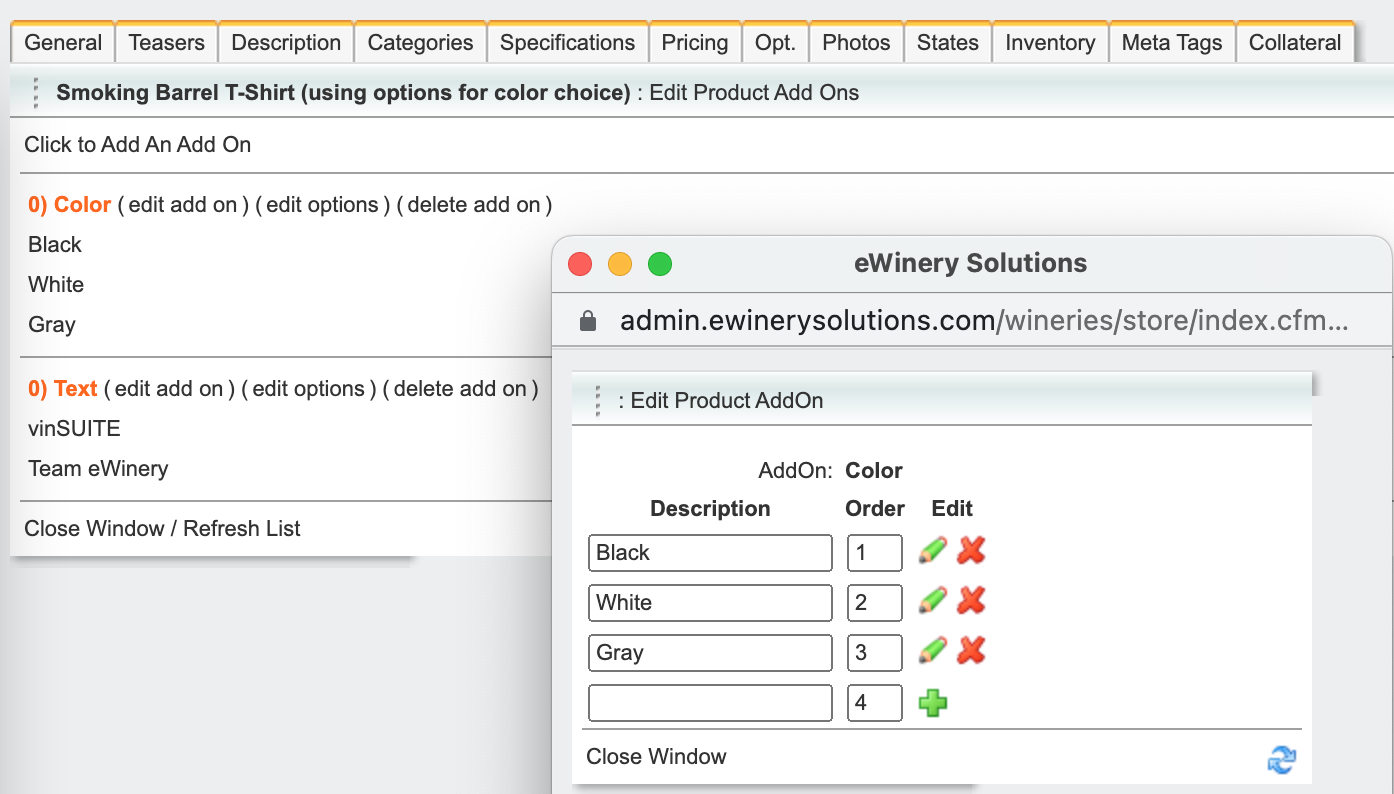
- click to Add an Add-On >> add title this should be the type of option (i.e. color) >> Save
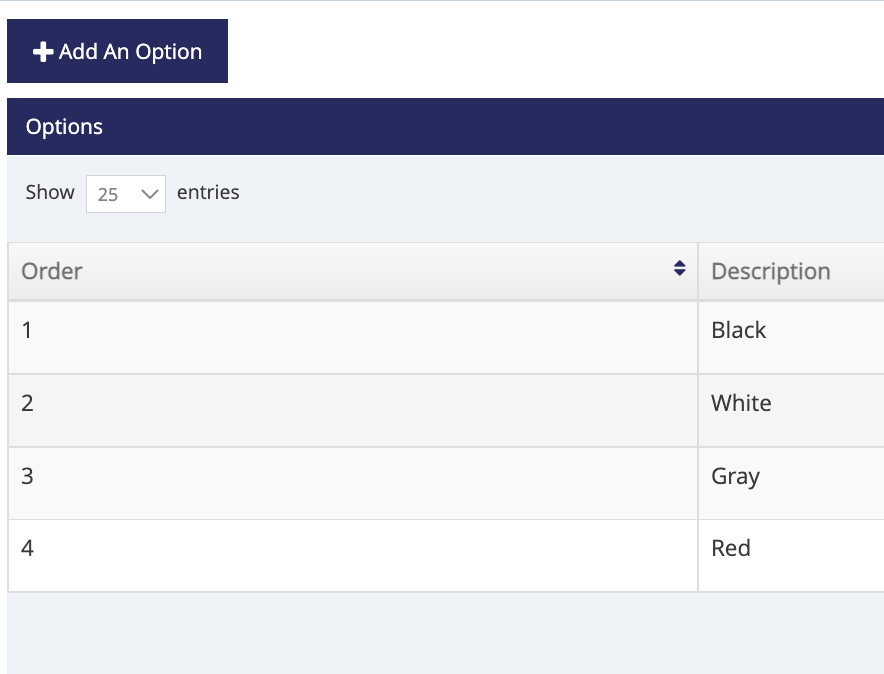
- click to edit options >> add options (i.e. black, white, gray) >> Save
2. Buttons to offer options with different SKUs: https://www.smokingbarrelwines.com/skuchoice
- vinSUITE admin: edit non-wine product
- General tab >> click Add a Price
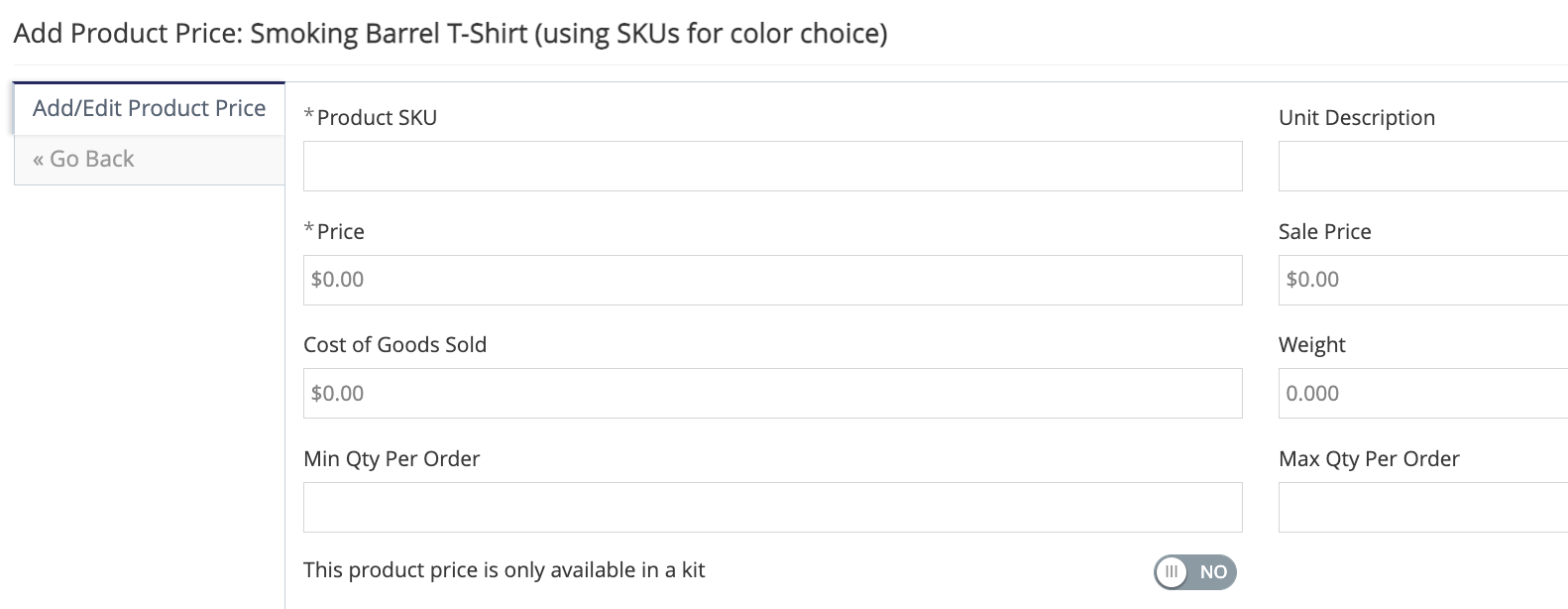
- enter SKU (should be name of option i.e. black, white, gray), unit description, price, and weight (for product shipping rate calculation) >> Save
- eWinery admin: edit non-wine product
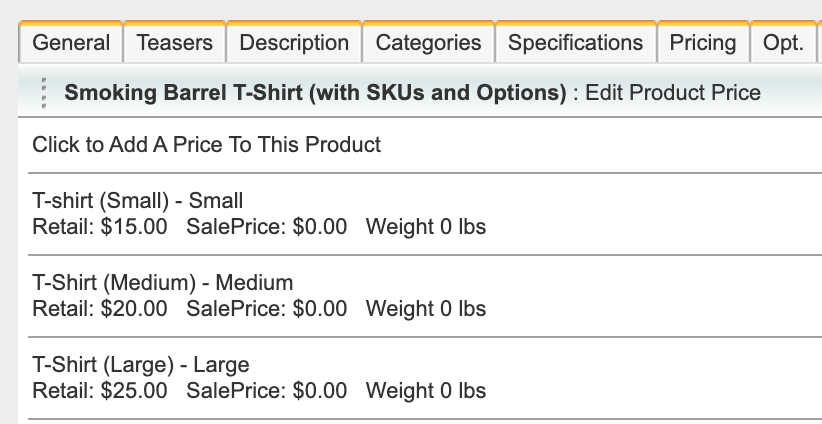
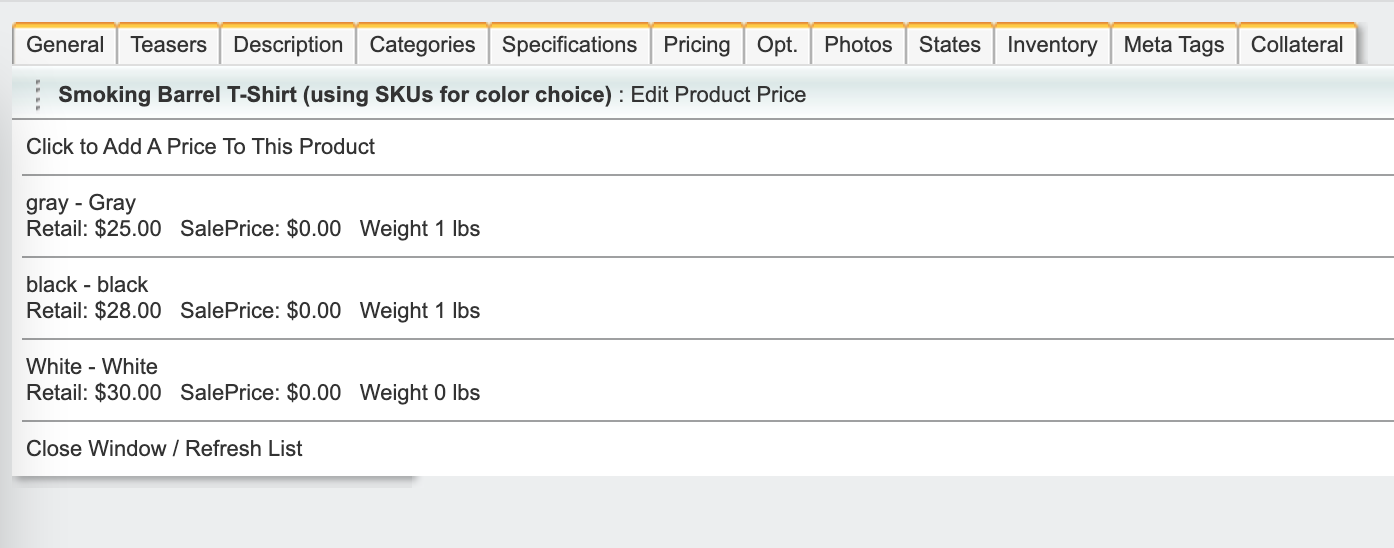
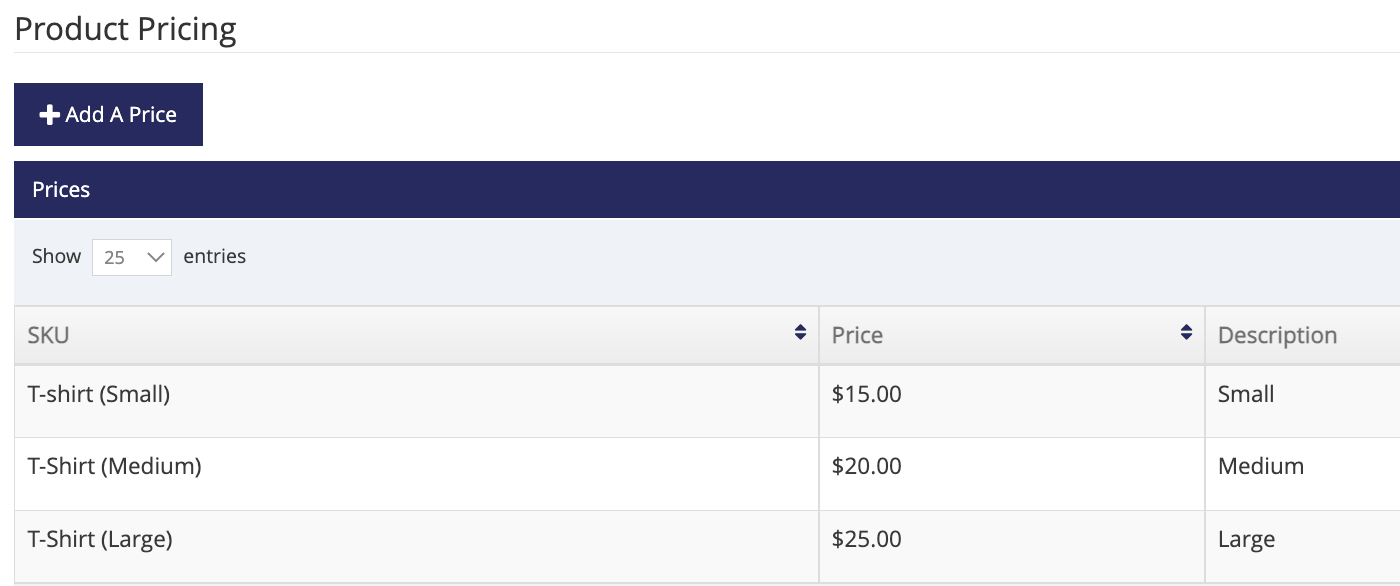
- navigate to Pricing tab >> click to Add a Price To This Product
- enter SKU (should be name of option i.e. black, white, gray), unit description, price, and weight (for product shipping rate calculation) >> Save
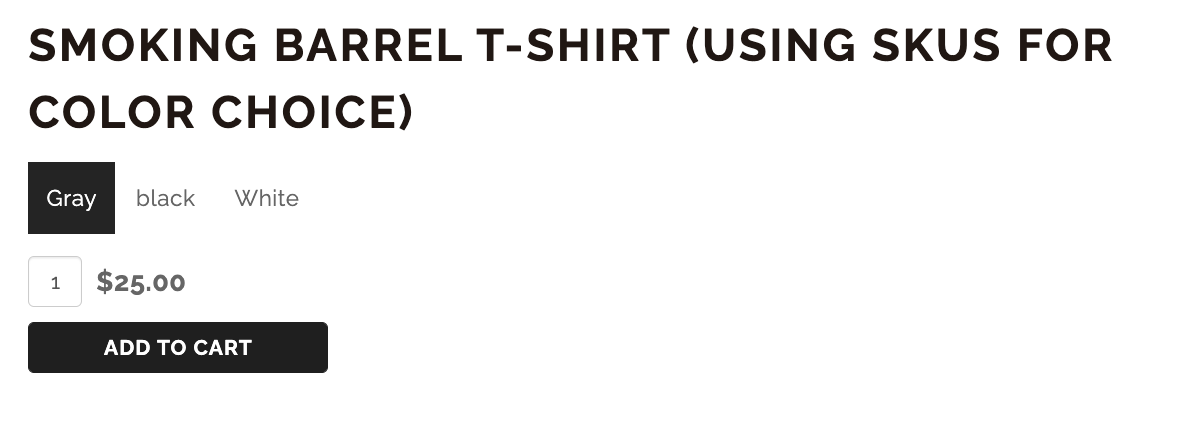
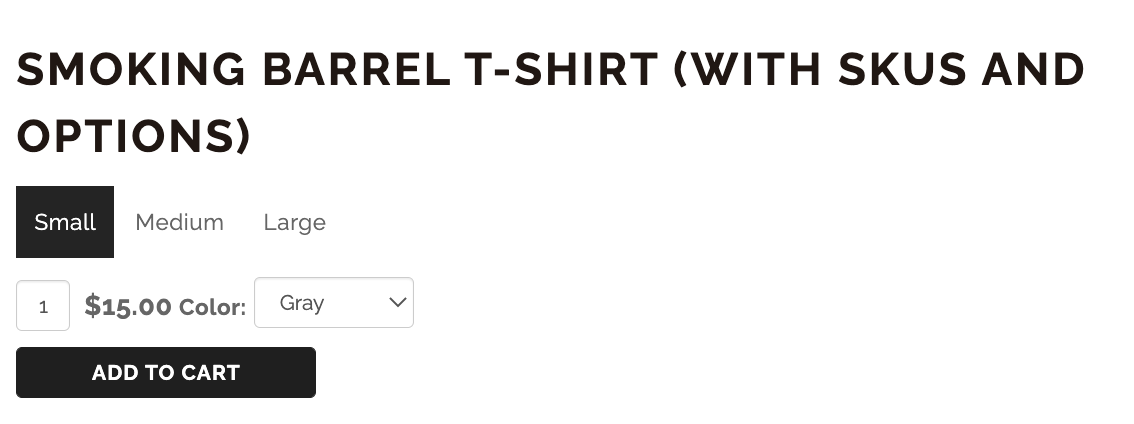
3. Dropdown and buttons option: Buttons for different SKU changes with a dropdown for options on each of those SKUs: https://www.smokingbarrelwines.com/skuoptions
- vinSUITE admin: edit non-wine product
- General tab >> click Add a Price
- enter SKU (should be name of option i.e. black, white, gray), unit description, price, and weight (for product shipping rate calculation) >> Save
- navigate to Specs and Options
- click Add Option >> add title and display order >> this should be the type of option (i.e. color) >> Save
- click circle to edit options >> i.e. S, M, L >> Save
- eWinery admin: edit non-wine product
- navigate to Pricing tab >> click to Add a Price To This Product
- enter SKU (should be name of option i.e. S, M, L), unit description, price, and weight (for product shipping rate calculation) >> Save
- navigate to Options tab
- click to Add an Add-On >> add title this should be the type of option (i.e. color) >> Save
- click to edit options >> add options (i.e. black, white, gray) >> Save