How a Winery Gets their New FedEx Creds
- Go to developer.fedex.com and log in with the existing fedex.com account.
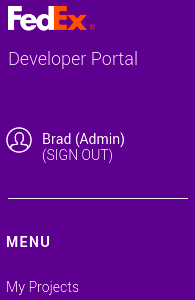
- After being logged into the FedEx Developer Portal, select ?My Projects? from the menu at the left.
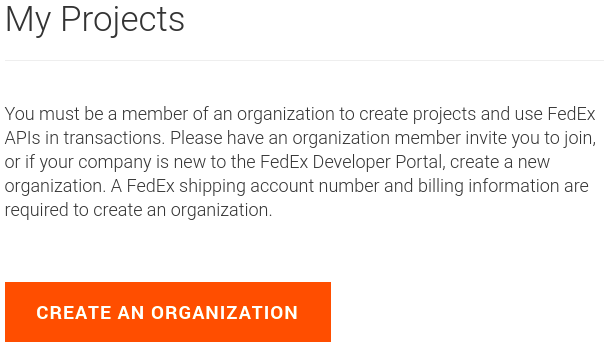
- The ?My Projects? page will initially prompt to ?Create an Organization?; click to do so.
- From the initial ?I work for a company that:? dropdown, select ?Ships with FedEx and needs to integrate FedEx APIs into their system?, then fill out the additional fields that appear and click ?Create?.
NOTE: The additional fields should use the winery?s info, not vinSUITE?s as shown below.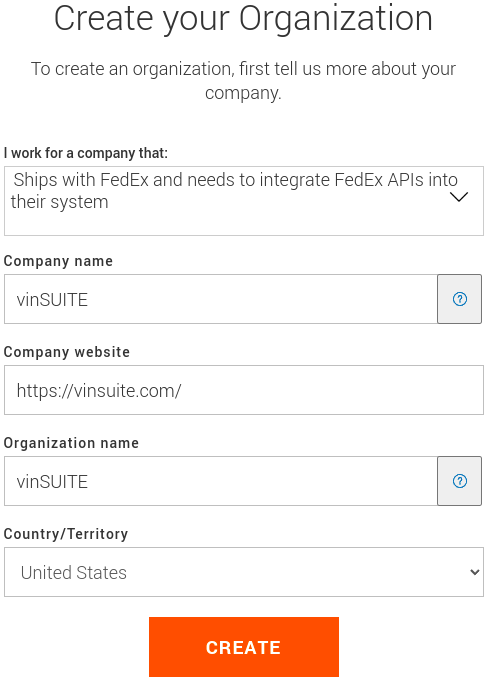
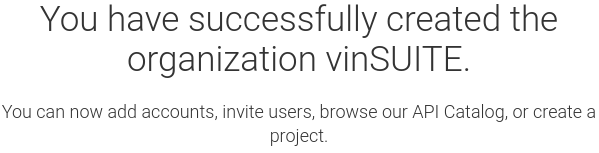
- There should now be a confirmation screen for the creation of the organization.
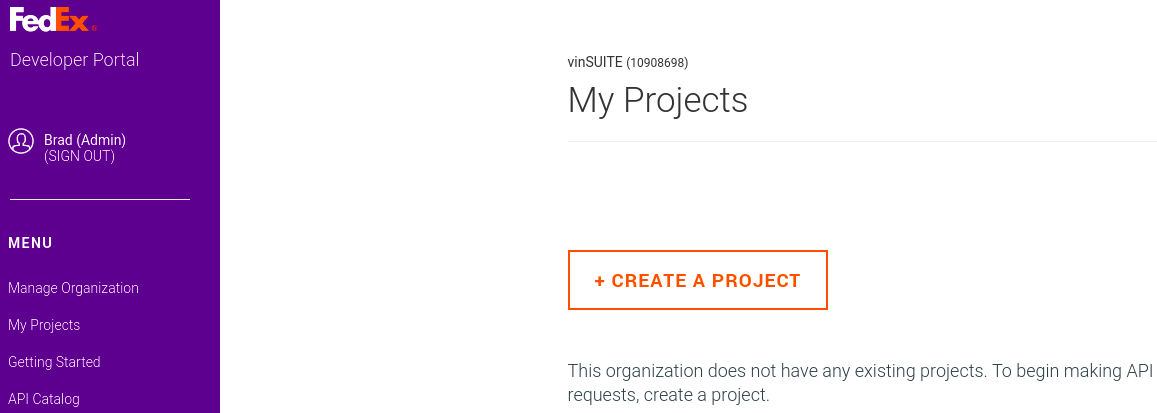
- Return to the ?My Projects? page from the left-hand menu, which should now allow creating a project; click the button to do so.
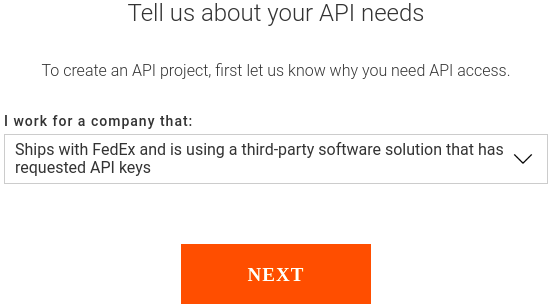
- A popup will appear with another ?I work for a company that:? dropdown. Select ?Ships with FedEx and is using a third-party software solution that has requested API keys?, then click ?Next?.
- The next screen will ask for info about the third-party solution. Enter the info and click ?Continue?.
NOTE: This is where the winery will enter vinSUITE?s info, as shown below.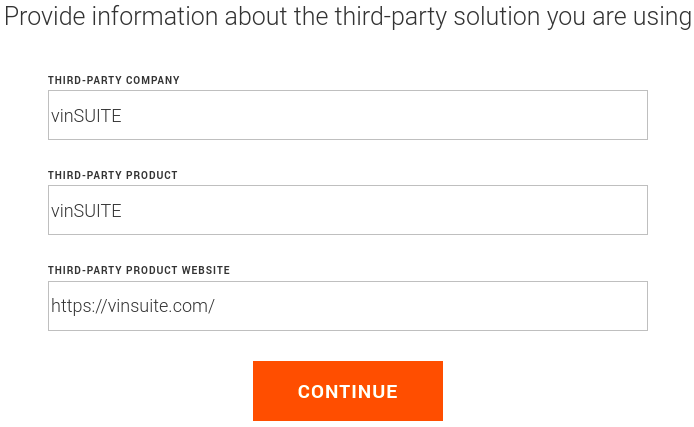
- The screen will scroll down to the section for selecting API(s); it currently doesn?t allow selecting both, so just select ?Track API? and then click ?Next? a little further down.
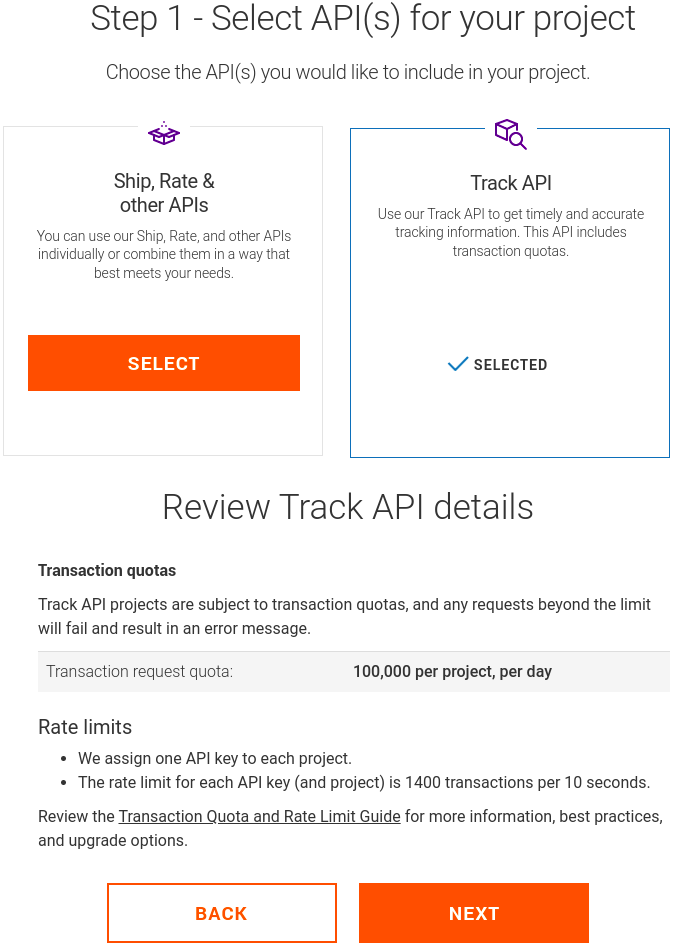
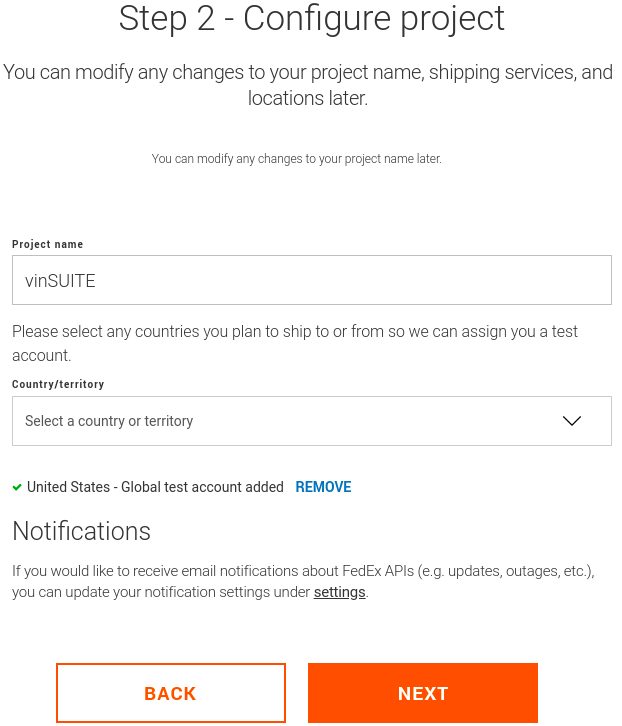
- For the next step, the winery can enter any project name, but perhaps best to include ?vinSUITE? so the winery remembers that this setup is for the vinSUITE/FedEx integration. Then use the ?Country/territory? dropdown to add United States (and/or any other required country) before clicking ?Next?.
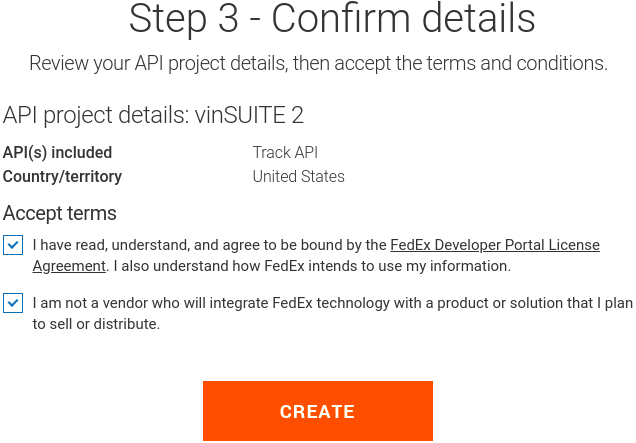
- The third step for creating the project simply has the winery confirm the project details and accept FedEx?s terms; check both boxes and click ?Create?.
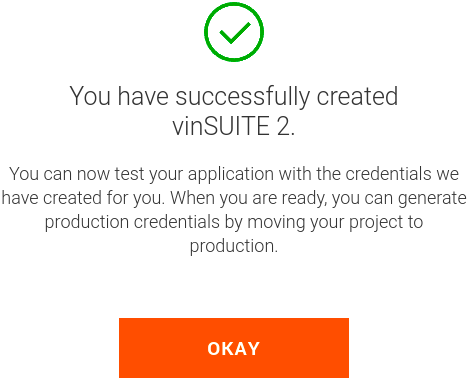
- A popup will appear confirming creating of the project in FedEx; click ?Okay?.
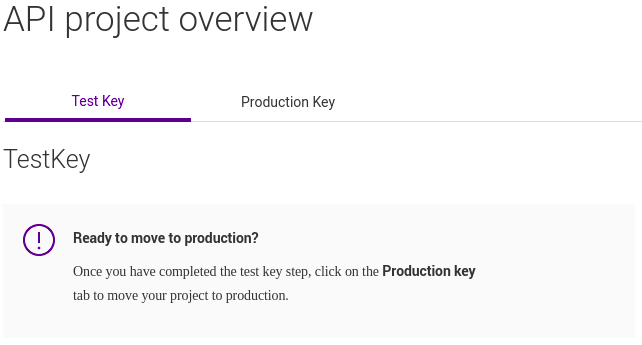
- The API Project overview screen should appear, with the ?Test Key? tab selected and showing test keys. The winery will need to skip over this and click the ?Production Key? tab instead.
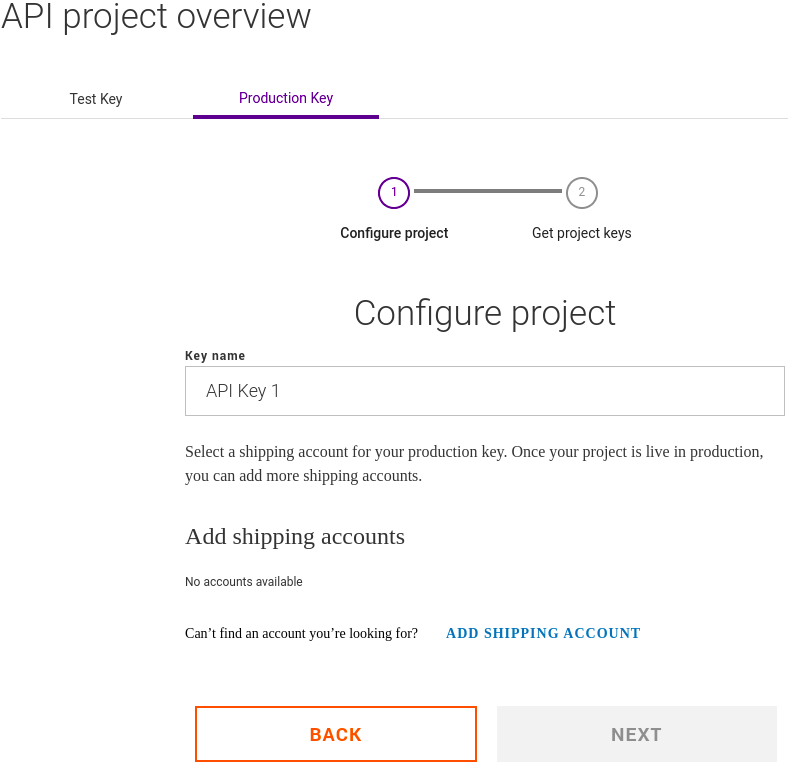
- On the ?Production Key? tab, the winery will probably first need to add their shipping account; click ?Add Shipping Account? to do so.
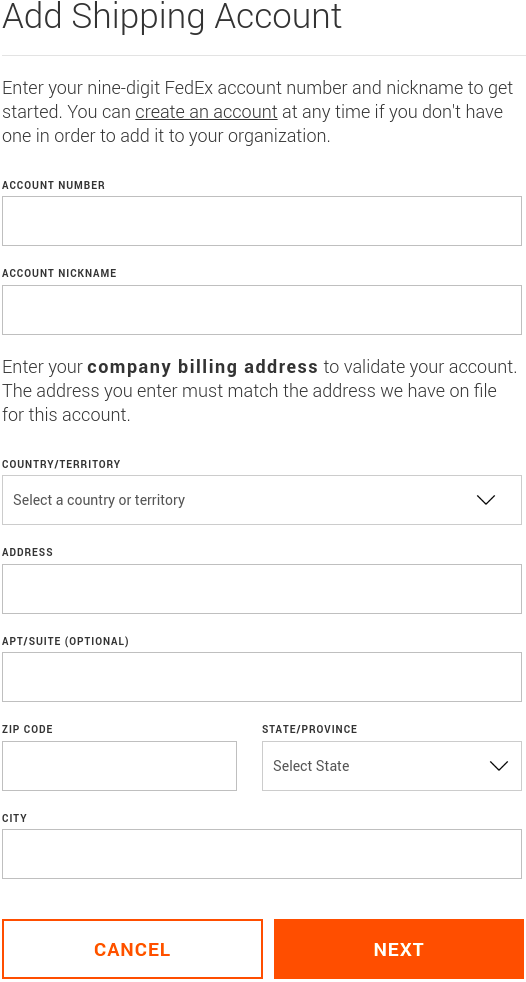
- Fill out the form to add the shipping account, then click ?Next?.
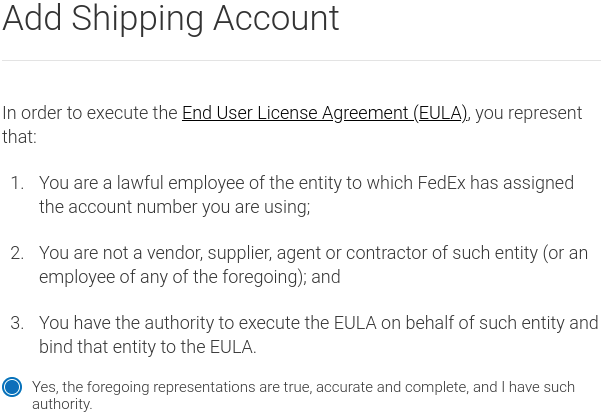
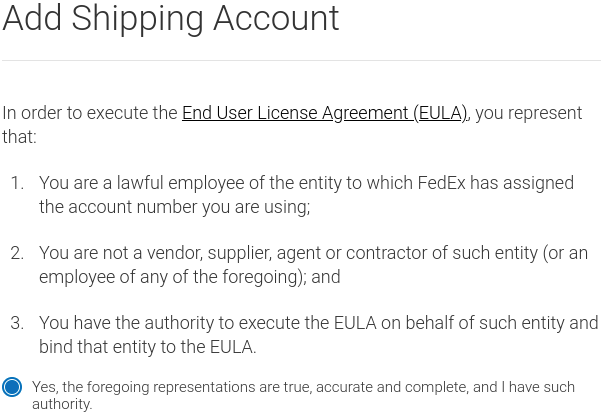
- On the next screen, agree to the EULA representations and document (scroll to the end of the document to enable the checkbox), then click ?Add Account?.
- The next screen will confirm that the shipping account has been added.
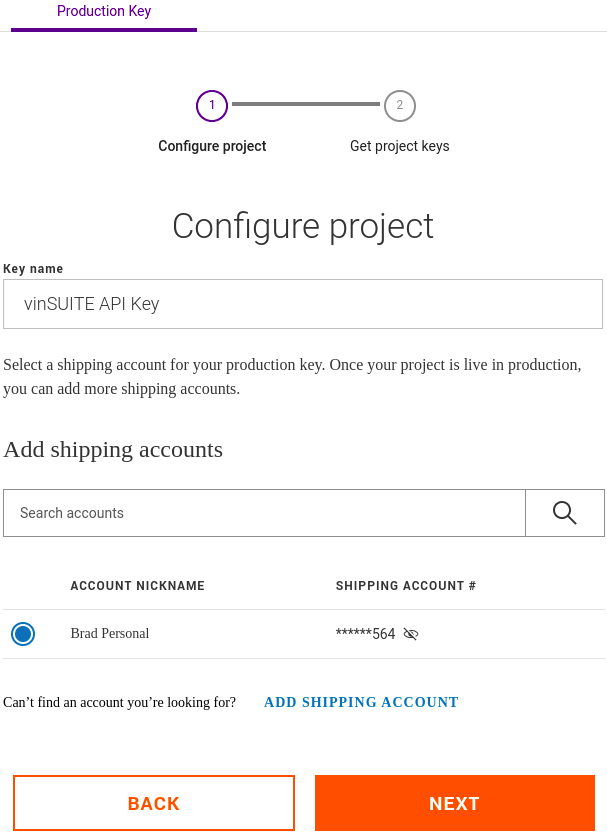
- Return to ?My Projects? from the left-hand menu, click on the project from the table, then click on the ?Production Key? tab. Enter a name that indicates the key is for vinSUITE (again, just so the winery remembers that this setup is for the vinSUITE/FedEx integration), select the shipping account, then click ?Next?.
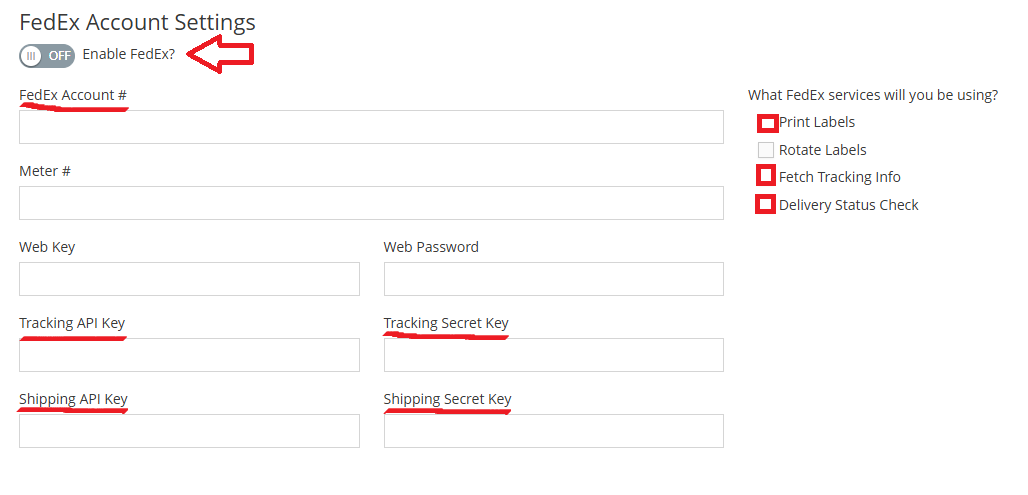
- The production keys should now be created. These are the two values that the winery will need to (have us) set into vinSUITE for FedEx?s new tracking API.
NOTE: As mentioned on this FedEx screen, the 2nd key (secret key) will only be displayed here once; if it is lost then a new one will need to be generated. [Copy and past this information into your notepad]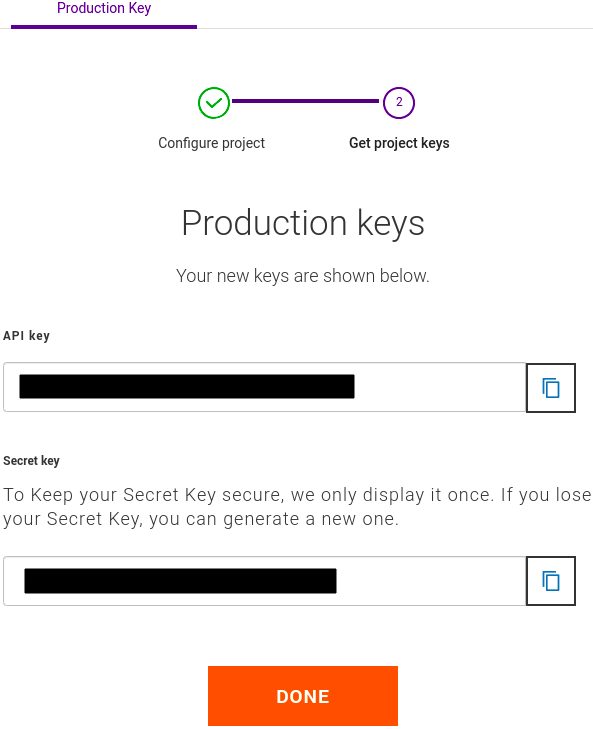
- You will need to go back to Step 6 and repeat through Step 9. This time at step 9 you will select "Ship, Rate & other APIs".
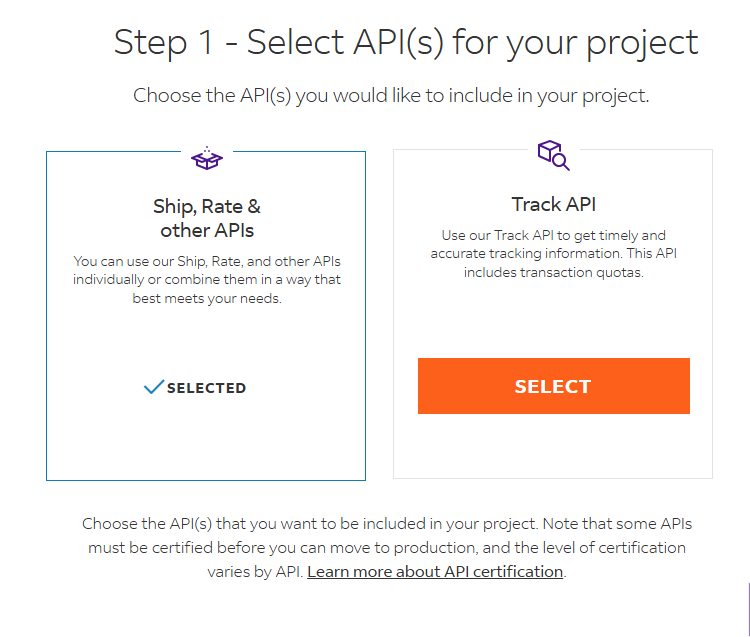
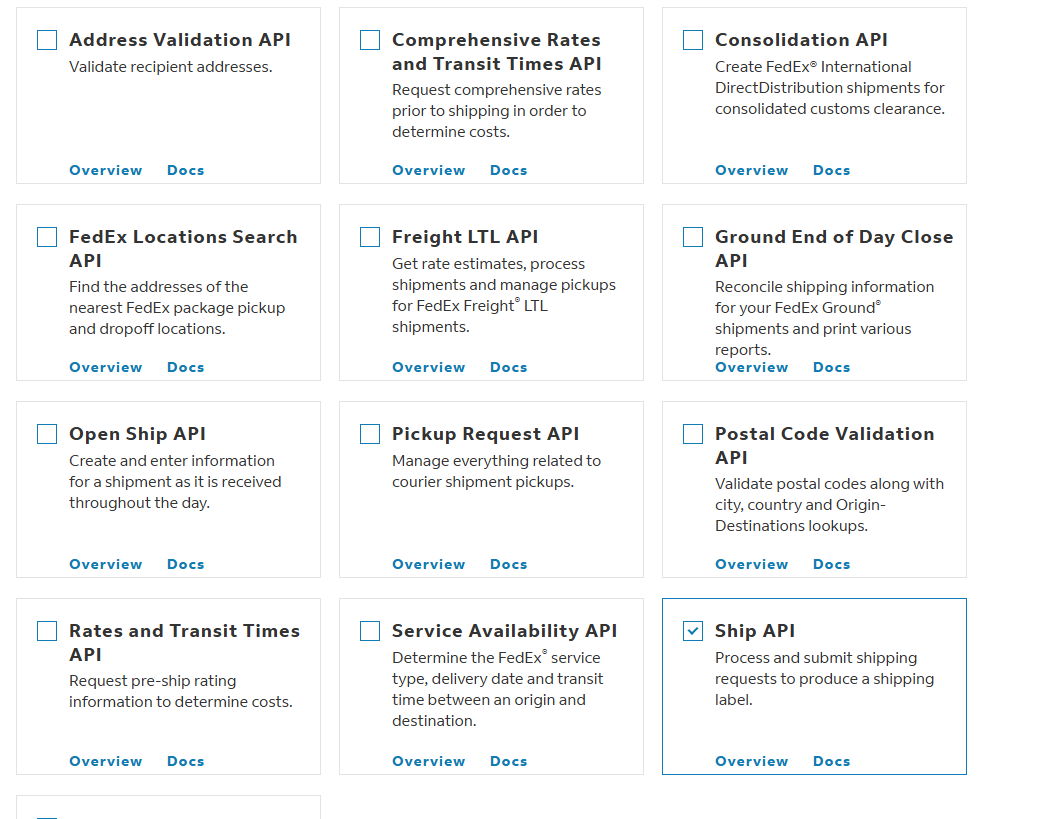
- That will open some options below | Please check only one at this time | The "Ship API" | Click Next
- For this Project Name we will put the word Ship in it so "vinSUITE Ship" is fine. | Click Next
- On the next step, Step 3, Agree to the FedEx Terms | Click Create
- You now have the API credentials for the vinSUITE and FedEx integration.
- You will need to get your Labels Certified before you can enter your production credentials. Please reach out to Support@vinsuite.com for help getting your test labels to submit to FedEx.