Prevent Auto-Login Upon Wine Club Sign-Up On Website
This Master Setting allows a winery to prevent the automatic sign-in when a wine club member signs up for a wine club membership. Contact Support at support@vinsuite.com to enable this feature.
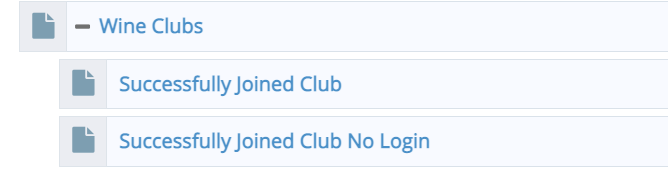
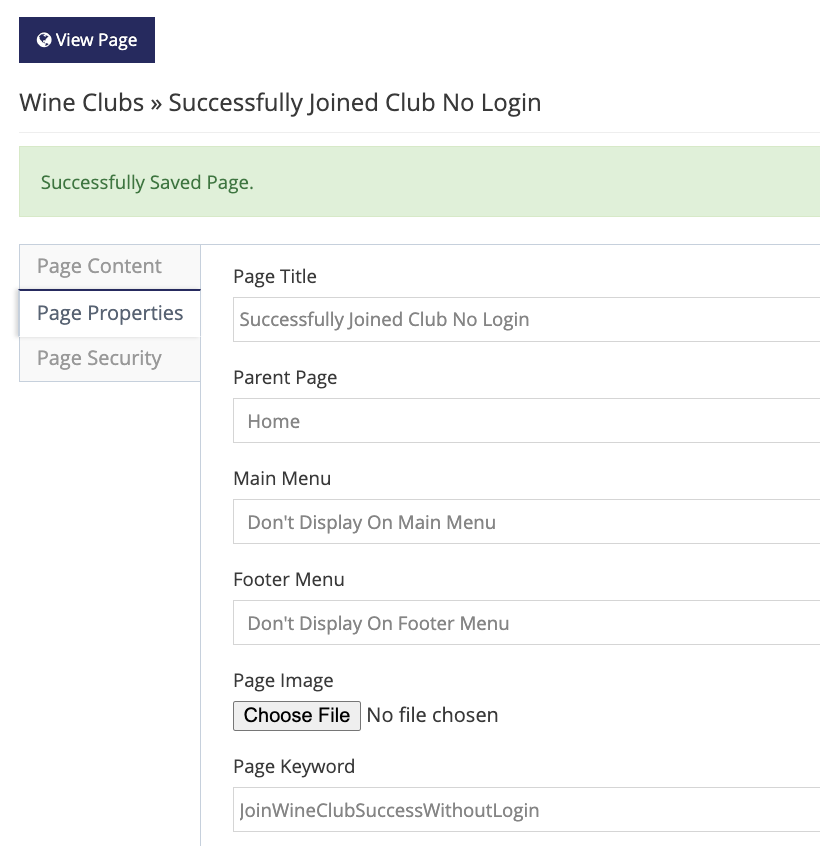
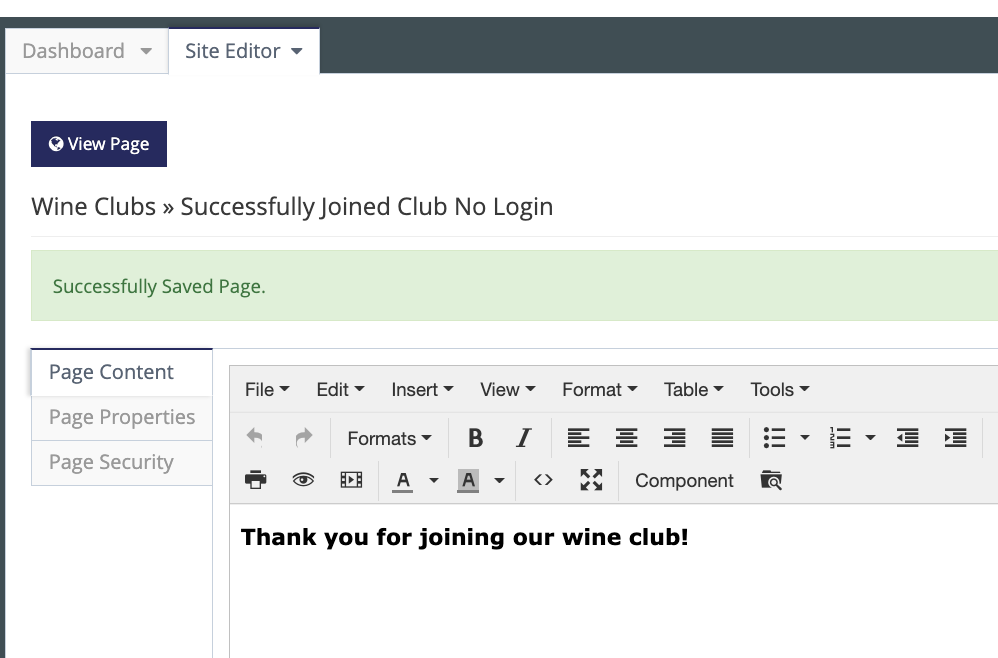
The vinSUITE Support Team will enable the setting for you and add a new Successfully Joined Club No Login page to the Site Editor. Please note that the Page Keyword "JoinWineClubSuccessWithoutLogin" entered in the Page Properties must not be removed. Enter the text that you would like a wine club member to see upon successfully joining the club, keeping in mind they are not logged in at this time.
Note: any page redirects to store product categories previously set up at the club level will still be in effect even though the club member is not logged in. Best practice is to remove redirects to store categories.