Changing or Deleting Users
To Change or Delete a User, select the name from the list displayed on the bottom of the window. Once you selected a User, the fields will automatically be displayed with the correct information.
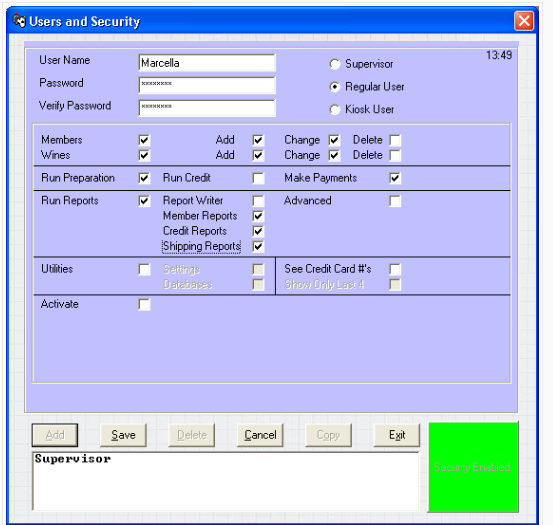
As you can see, the and  buttons are now active. Note: the word Amend is just another word for Change. If you press the
  button or if you make a change to any of the fields in this window, the
  button will become active and you must press it to save any of these changes. Pressing the
  button will discard any changes you've made to this User's record. If you press the
  button, a message box will appear and ask you to confirm the deletion of this User.
Note: Once entered, you cannot change the User Name.
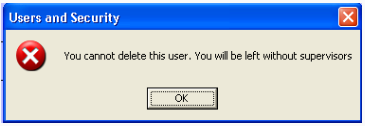
Note: Since only Supervisors may make modifications to the user database, you are prevented from deleting all Supervisor Users. When you try and delete the last Supervisor, you will get the following message: