Chip reader having trouble staying connected?
If you are having connectivity issues with your OpenEdge chip reader, the best first step is to ensure that the firmware on the device is up-to-date.
Updating chip reader firmware
To begin, please ensure that you are logged into the TabletPOS system and the chip reader is turned on and connected to the iPad.To trigger the firmware update:
1) Go to Cashier Options:

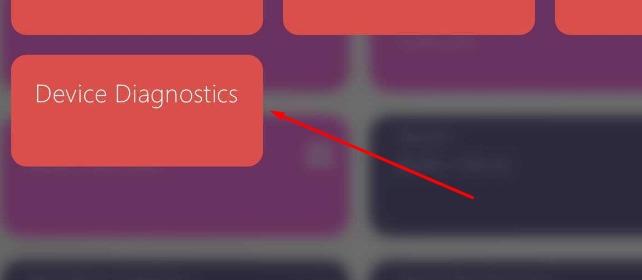
2) Select Device Diagnostics
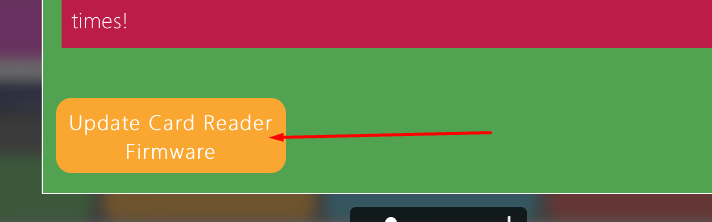
3) At the bottom, select Update Card Reader Firmware