Waive Tax
We believe that your POS system should be flexible and allow you to customize an order for any situation. We have added the ability to waive tax on-the-fly to allow your staff to handle wholesale orders and other situations where tax may need to be removed from a sale, looking at you Walla Walla!Enable Waive Tax permission
You can control which members of your team have the ability to see and use the waive tax button. This permission can be assigned to each Sales Associate record.
You can reach the Sales Associate record by navigating to the Store icon > Orders > Sales Associate in the eWinery admin panel.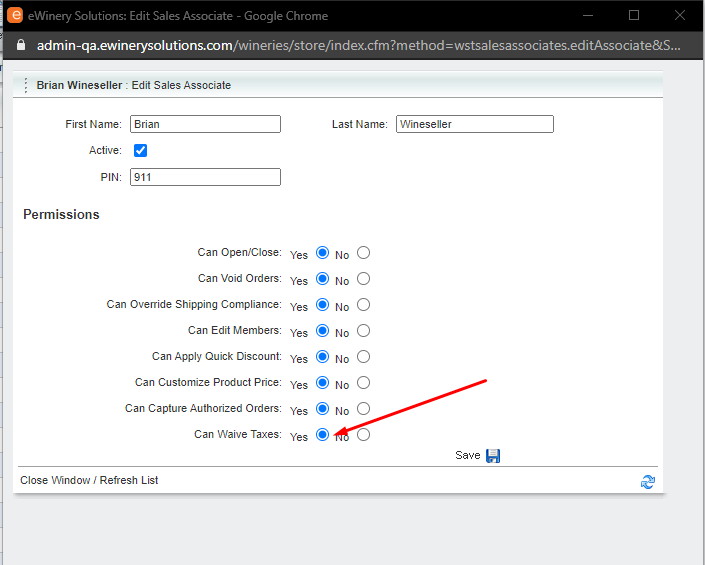
Or you can find the Sales Associate record by navigating to the Settings > User Management > Sales Associate in the vinSUITE admin panel.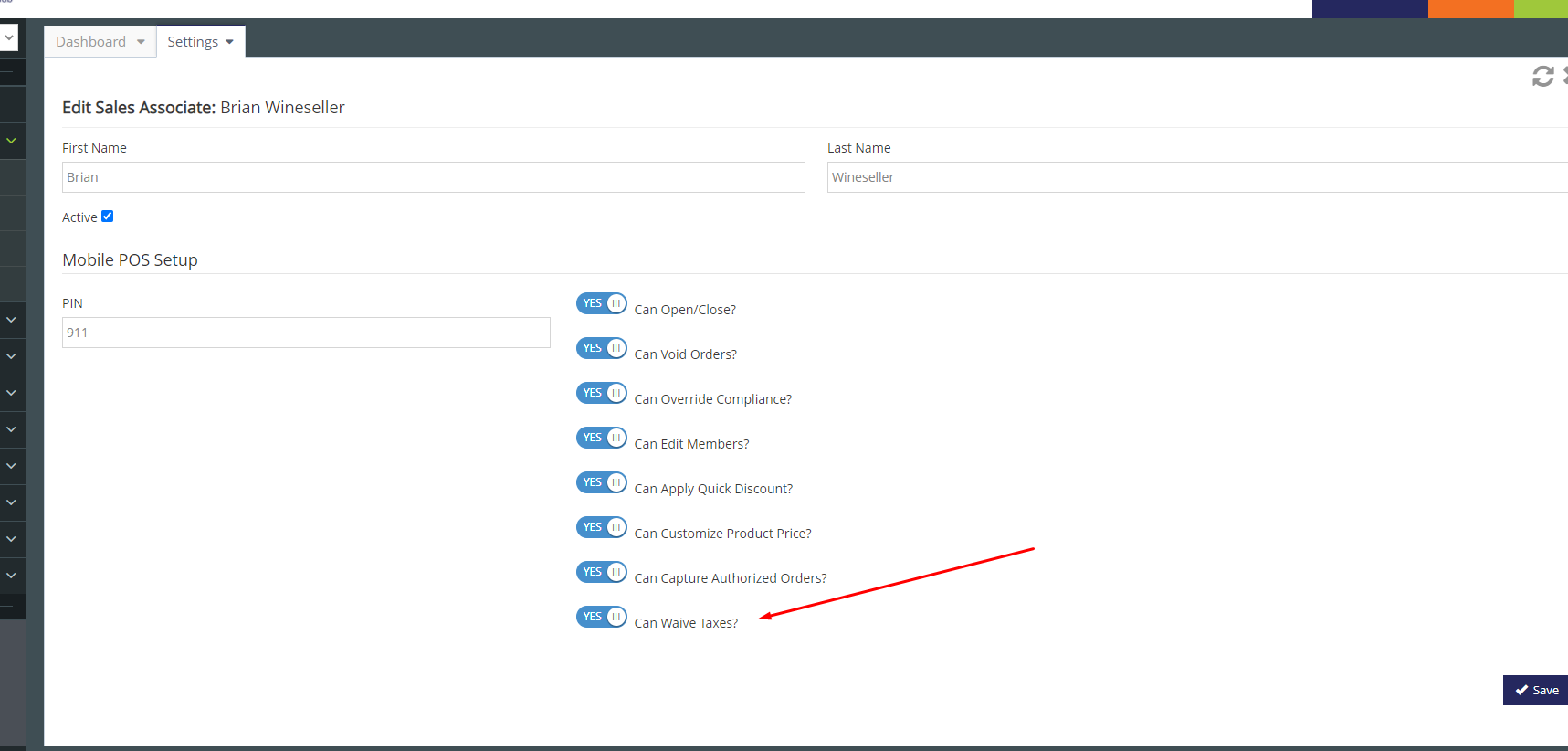
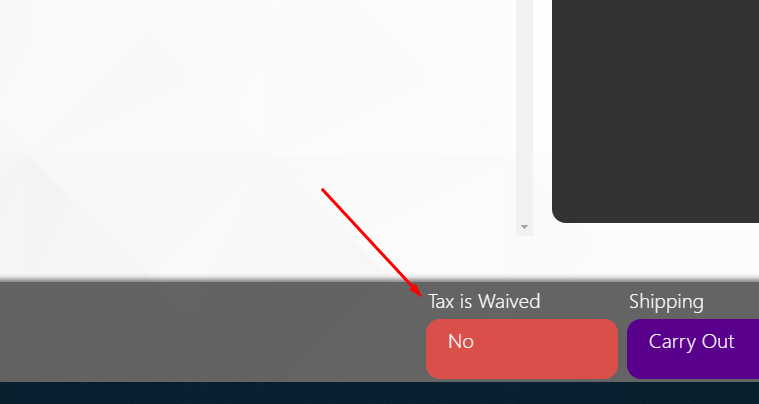
Once enabled, you will have a Waive tax option on the Order Summary screen of each order, making it easy to waive tax on-the-fly: