
vinSUITE Dashboard
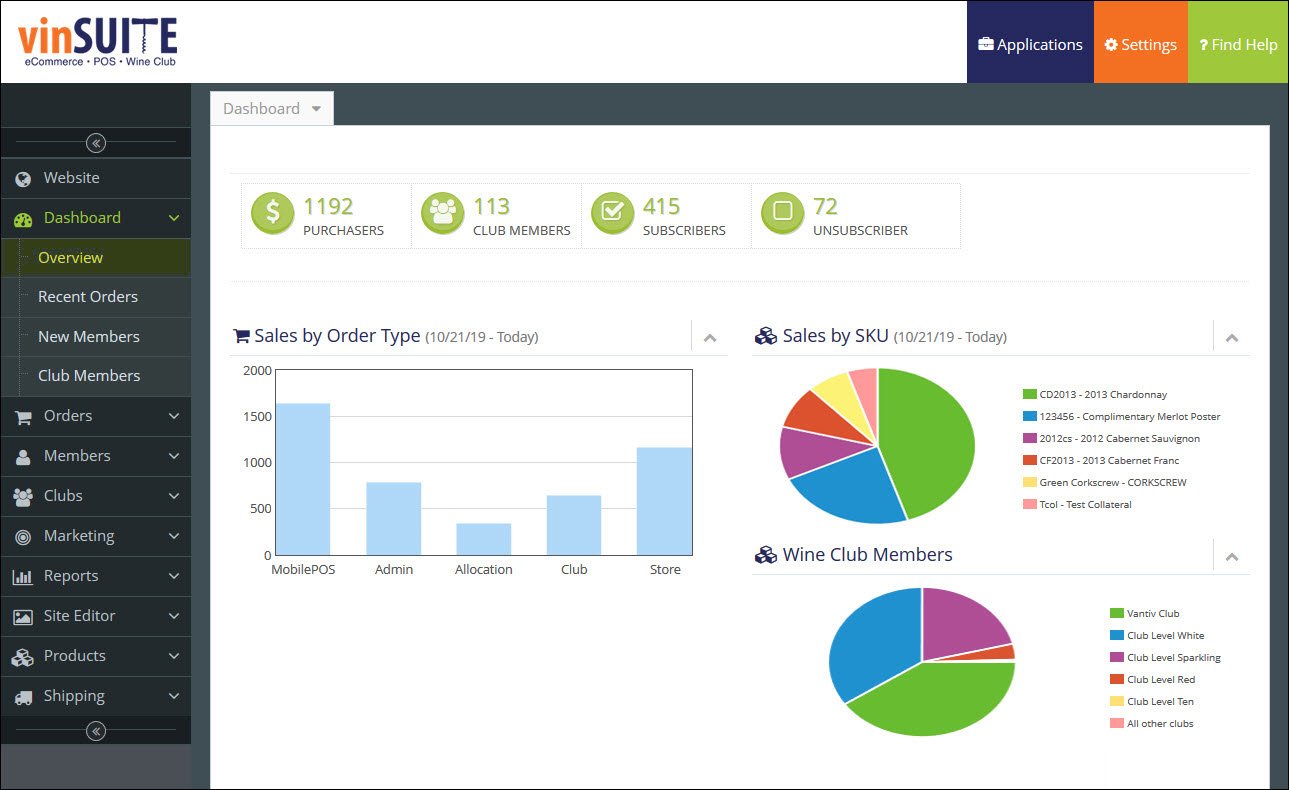
The Dashboard is the default page that appears when you launch the vinSUITE application. This page provides a convenient overview of your sales, members, and clubs that you can check quickly for the most current information.The Dashboard is broken into the following sections:
Overview
Icons

The green icons at the top on the page list:
Purchasers - Displays how many customers have completed purchases from your winery, through the applicable channels like TabletPOS, Admin OMS, Webstores and Clubs.
Club Members - Displays how many customers have joined a wine club from your winery.
Subscribers - Displays the total amount of members that can receive your marketing emails and newsletters.
Unsubscribers - Displays how many people have unsubscribed from your marketing emails and newsletters.
Charts
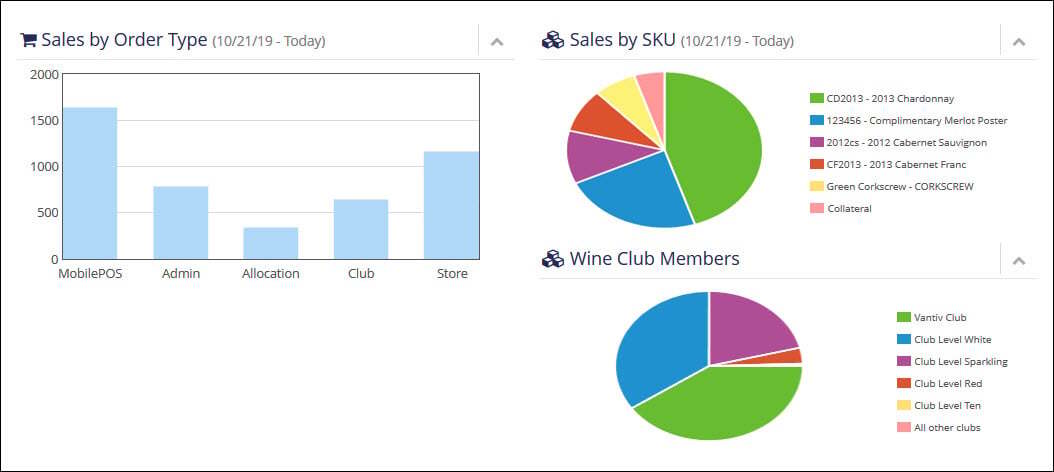
The charts shown are:
Sales by Order Type - Displays the amounts of sales in the past month based on the order channel, like TabletPOS, Admin OMS, Webstores and Clubs.
Sales by SKU - Displays the most popular purchases in the past month by SKU.
Wine Club Members - Displays the most popular wine clubs based on the number of club members.
Recent Orders
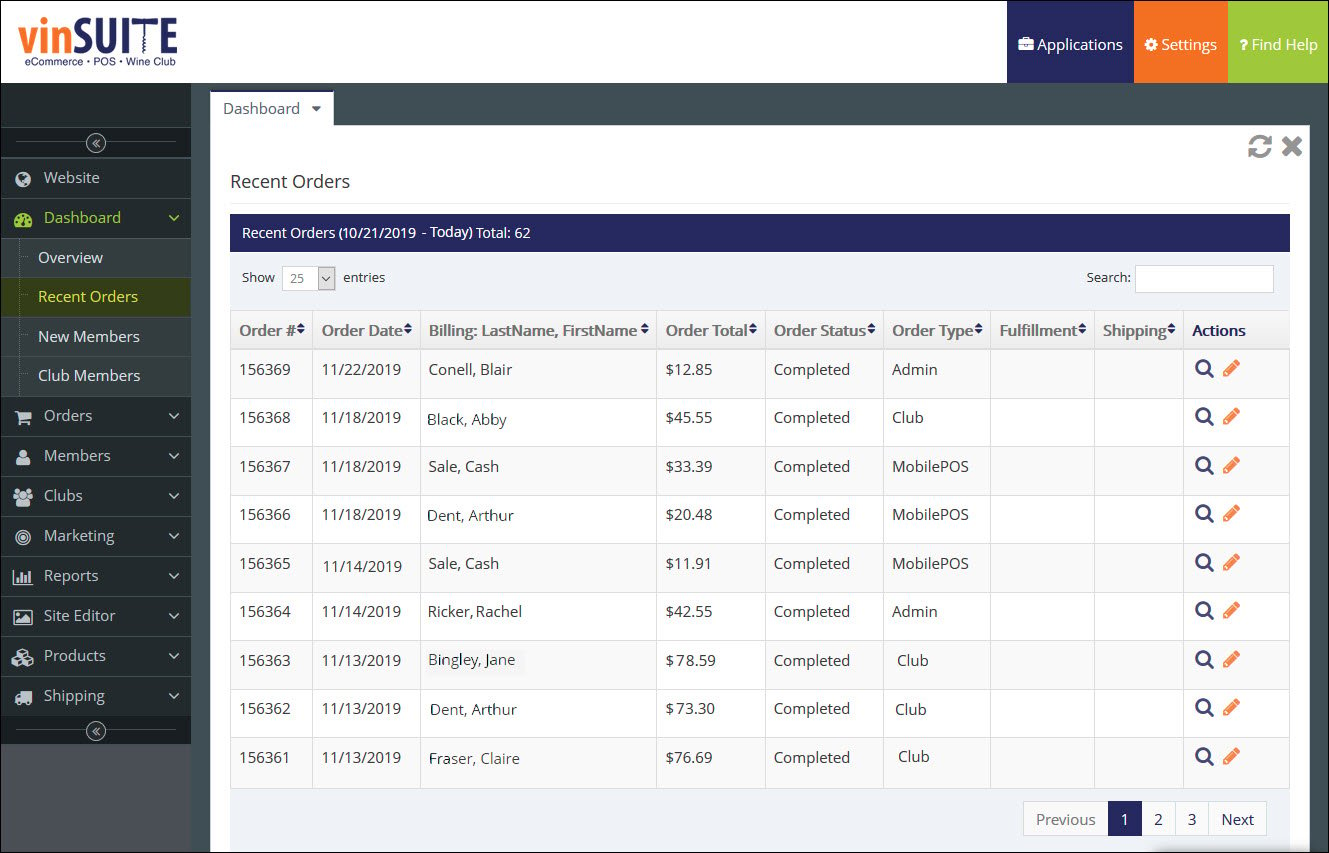
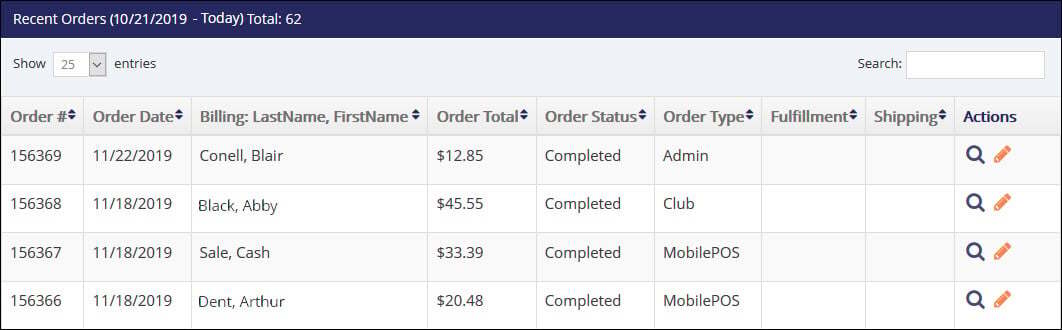
The following information is displayed about recent sales:
- Order number
- Order date
- Member first and last name for billing
- Order amount total
- Order status
- Order type
- Fulfillment status
- Shipping status
Clicking the Magnifying Glass icon bring you to the Order Summary for the selected order. Selecting the Edit icon opens up the admin OMS and allows you to edit the selected order.
For more information about editing an order in the vinSUITE admin panel, please visit the Orders: Editing Orders page.
New Members
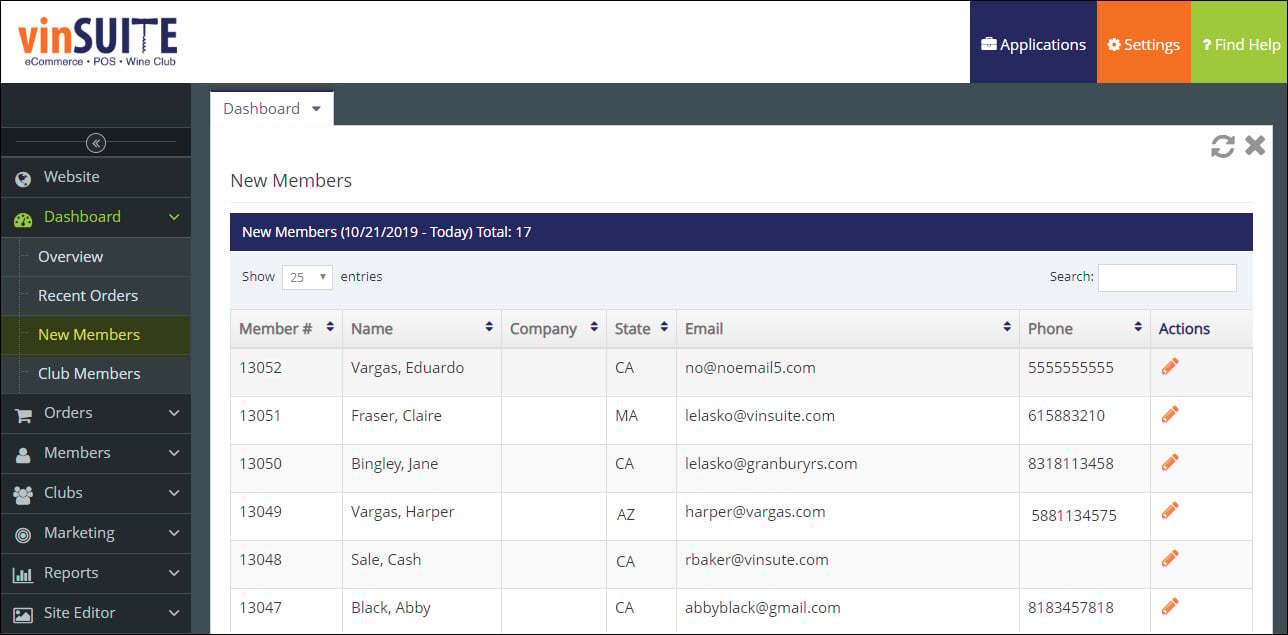
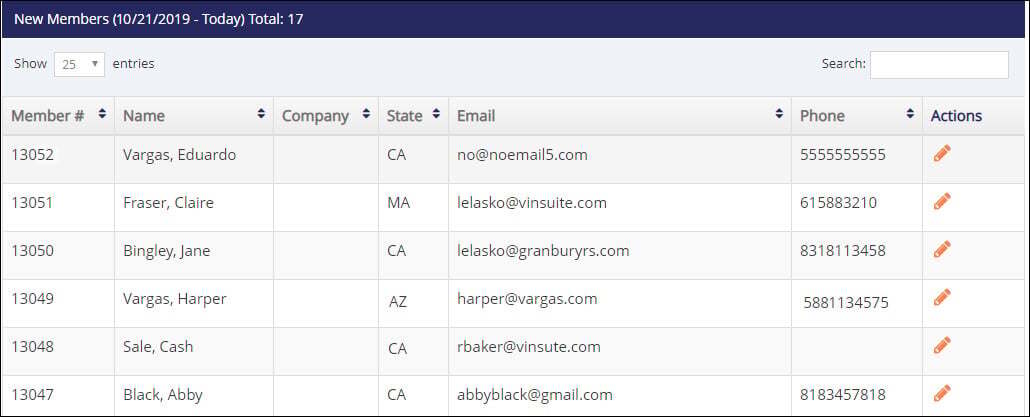
The following information is displayed about new members:
- Member number
- Member first and last name
- Company
- Billing State for the member
- Member email address
- Member phone number
New Club Members
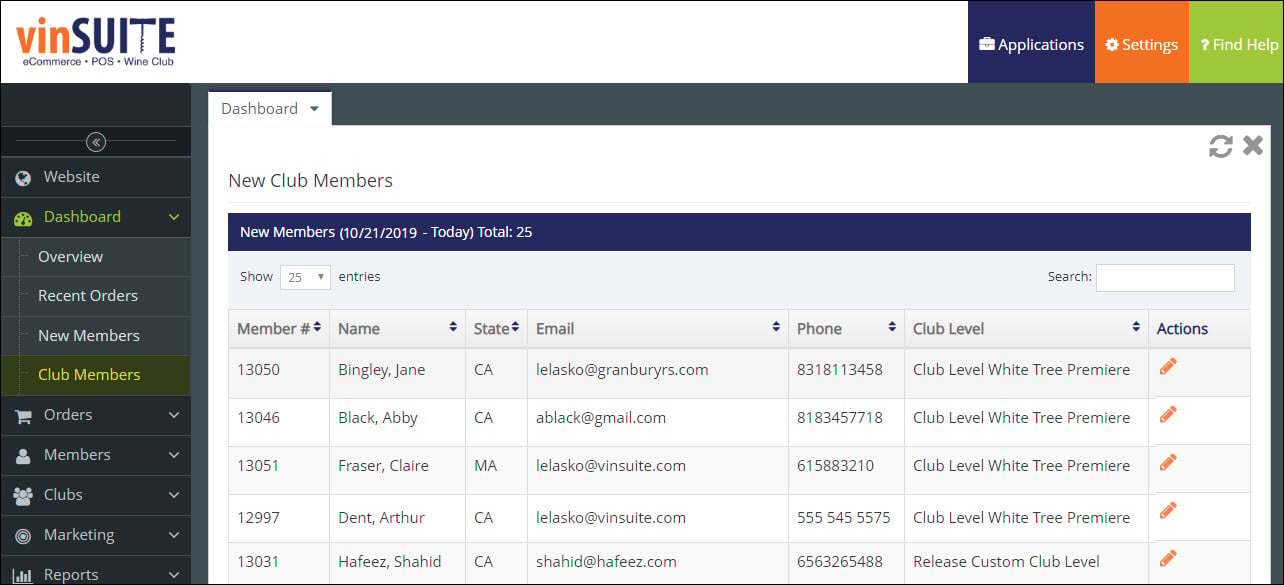
The following information is displayed about new club members:
- Member number
- Member first and last name
- Billing State for the member
- Member email address
- Member phone number
- Club level the member signed up for