
1. Follow the link to the email draft: https://vinsuite.lightning.force.com/lightning/page/pardot/emailTemplate?pardot__path=%2Femail%2Fdraft%2Fedit%2Fsource%2Fdata_table%2Fid%2F218338%3FrAndOmiZer%3D0.7833664380870873
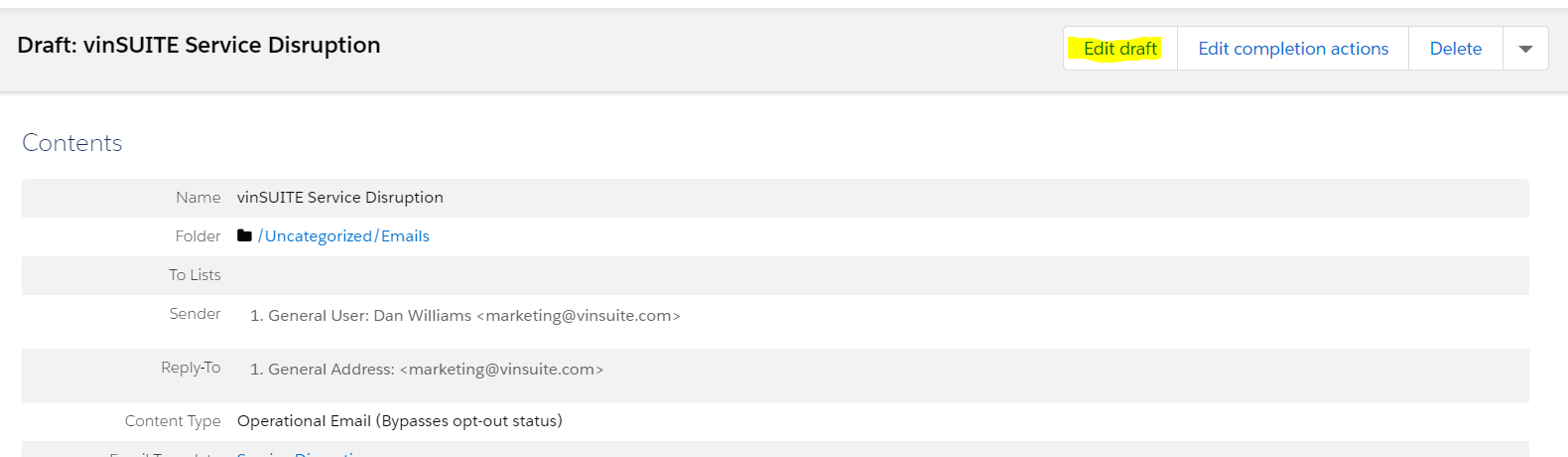
2. Click "Edit Draft"
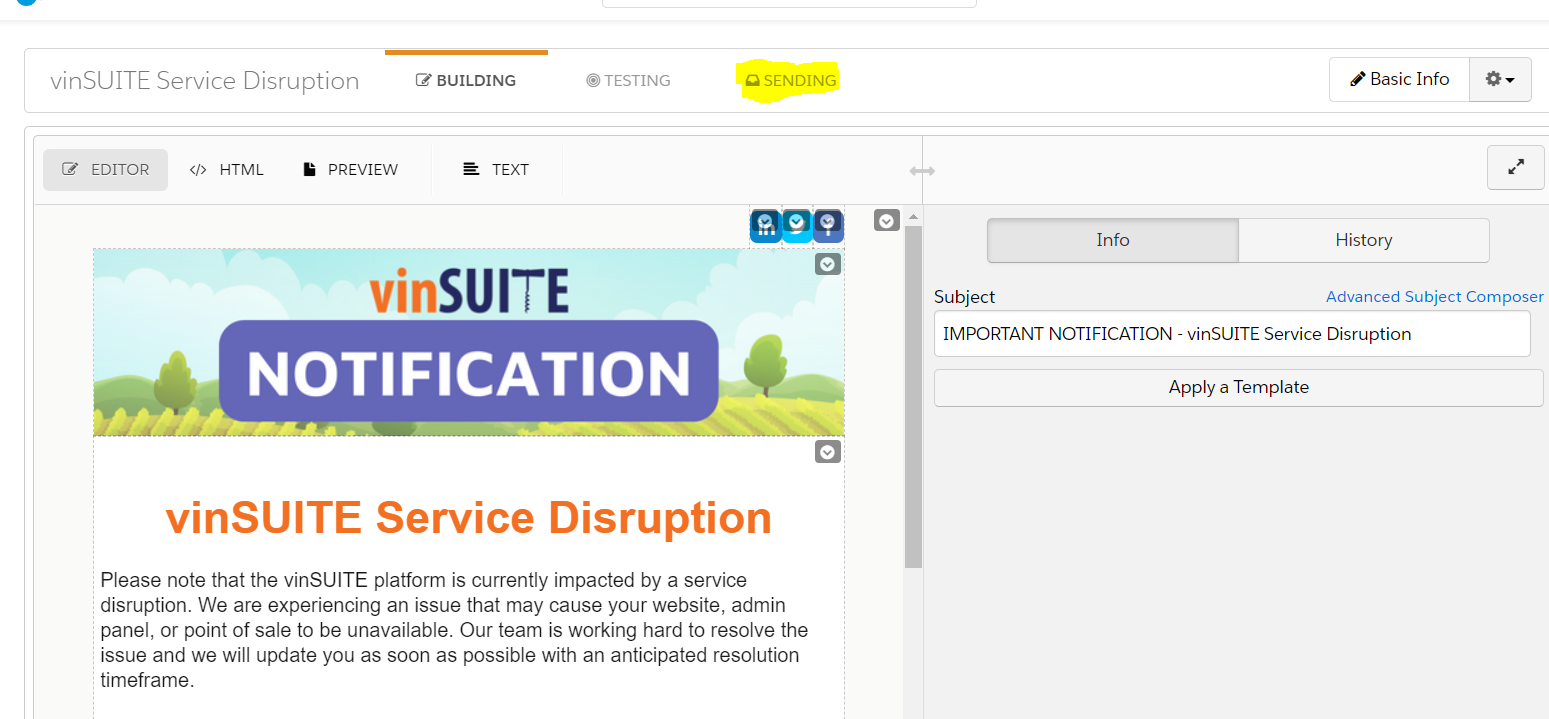
3. Click on the "Sending" tab
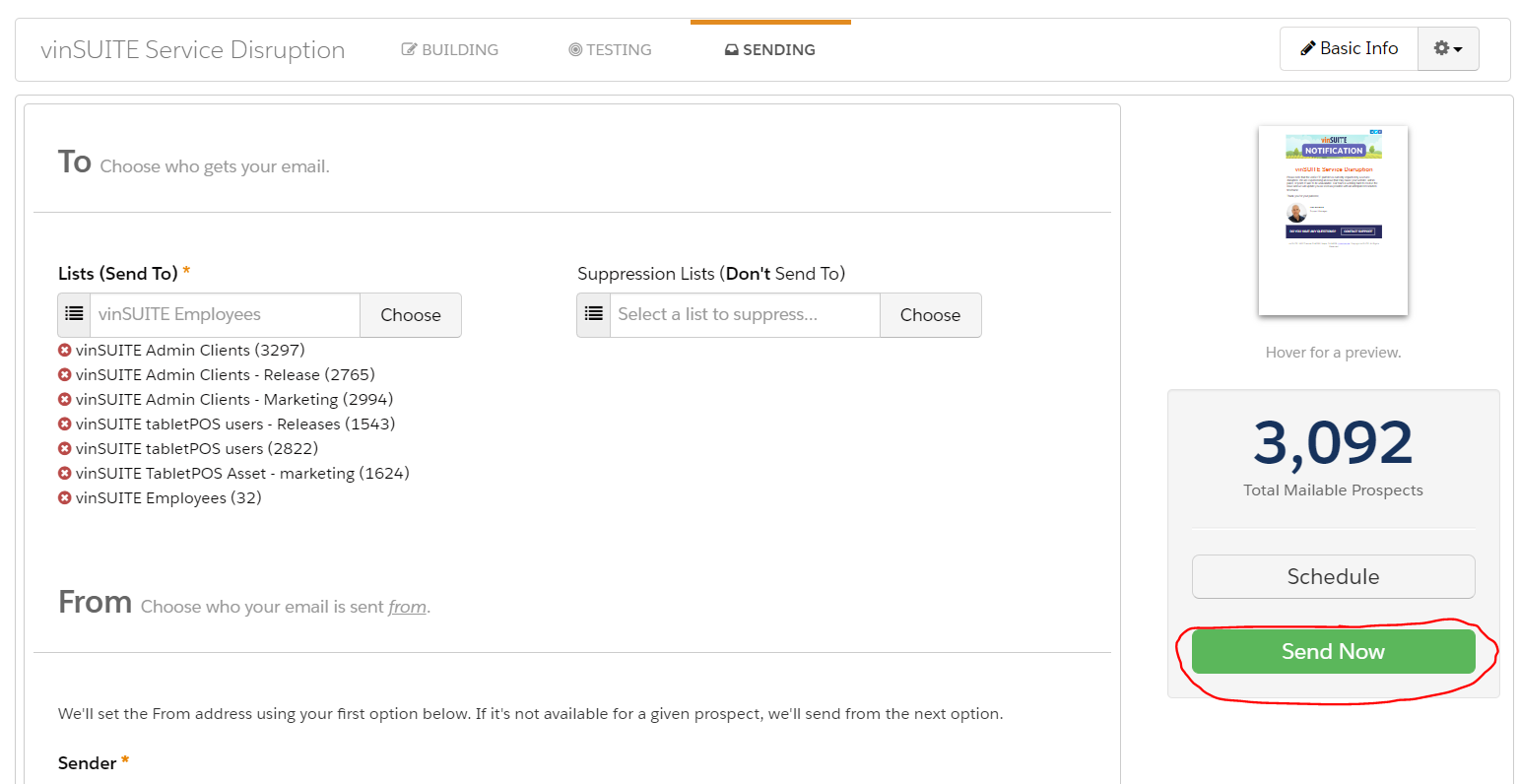
4. Click the "Send Now" button
2. Click "Edit Draft"
3. Click on the "Sending" tab
4. Click the "Send Now" button